
Download HealthFrame – Medical Records, Health Data, Emergency Medical Info, Digital Health, Family Medical History, Health Tracking, Medical History App
Overview
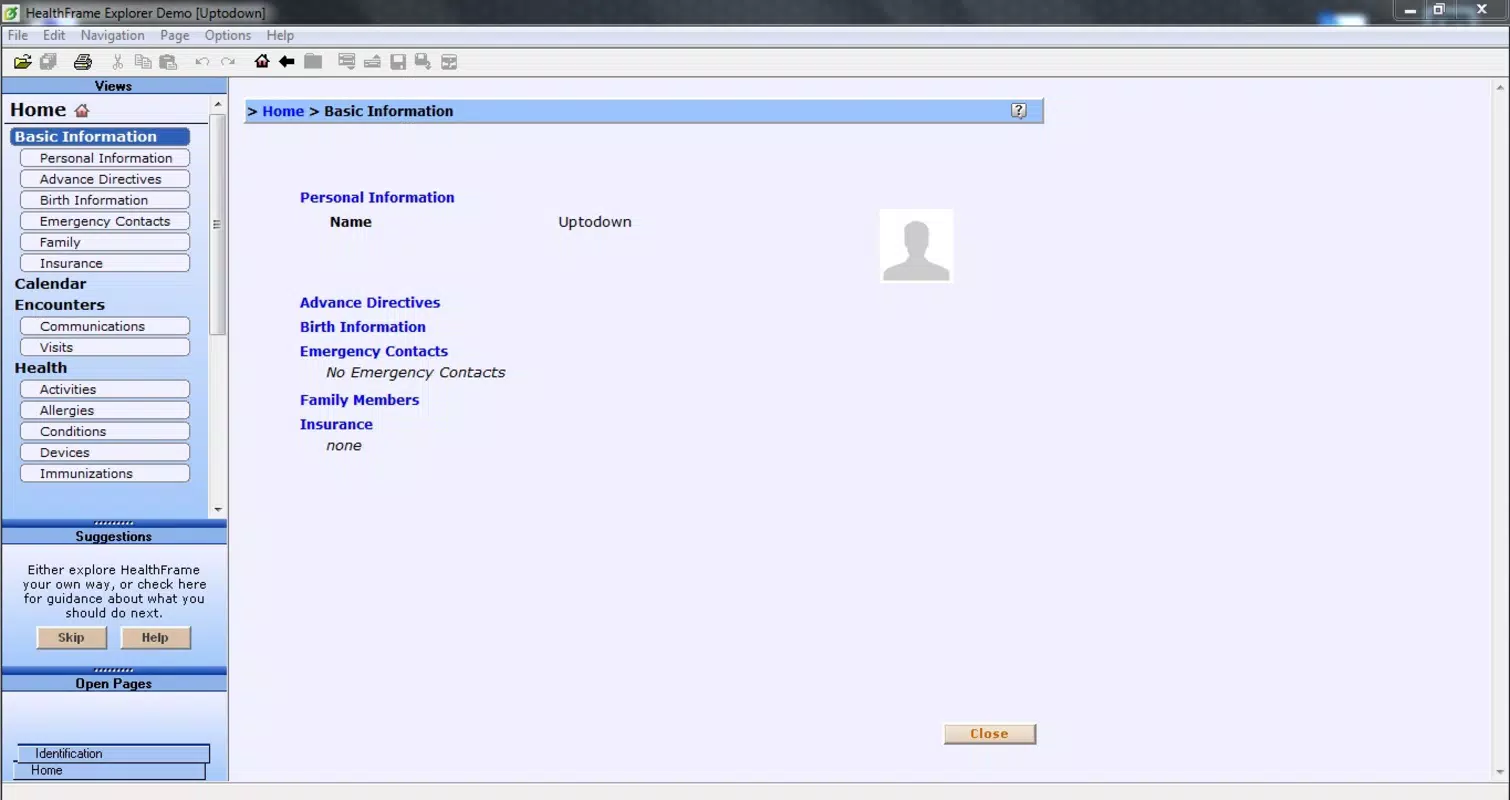
HealthFrame is a dual-application solution designed to help individuals and healthcare professionals manage personal and family medical histories efficiently. The app serves as a centralized digital repository for critical health data, including medical conditions, medications, allergies, emergency contacts, and lifestyle habits. By organizing this information in a structured format, HealthFrame addresses the growing need for accessible, portable, and accurate medical records—especially in emergency situations or during transitions between healthcare providers.
Target users include individuals seeking to maintain a comprehensive health profile, families managing multiple medical histories, and medical practitioners looking for a tool to digitize patient records. The app’s design supports both personal use and professional integration, making it suitable for a broad range of users across different healthcare environments. It is particularly valuable for those who travel frequently or live in areas with limited access to medical documentation.
Although the developer did not provide additional technical details about the company’s background or history, the app has been available since 2014, indicating a long-standing presence in the digital health space. Its continued availability suggests a stable, user-focused evolution. HealthFrame plays a meaningful role in the digital health ecosystem by promoting data portability and reducing reliance on paper-based records.
Key Features & Functionality
- Dual Application Architecture: HealthFrame Explorer and HealthFrame Visor work together to allow users to create, edit, and view medical records with ease. This separation enables both setup and access without compromising data integrity.
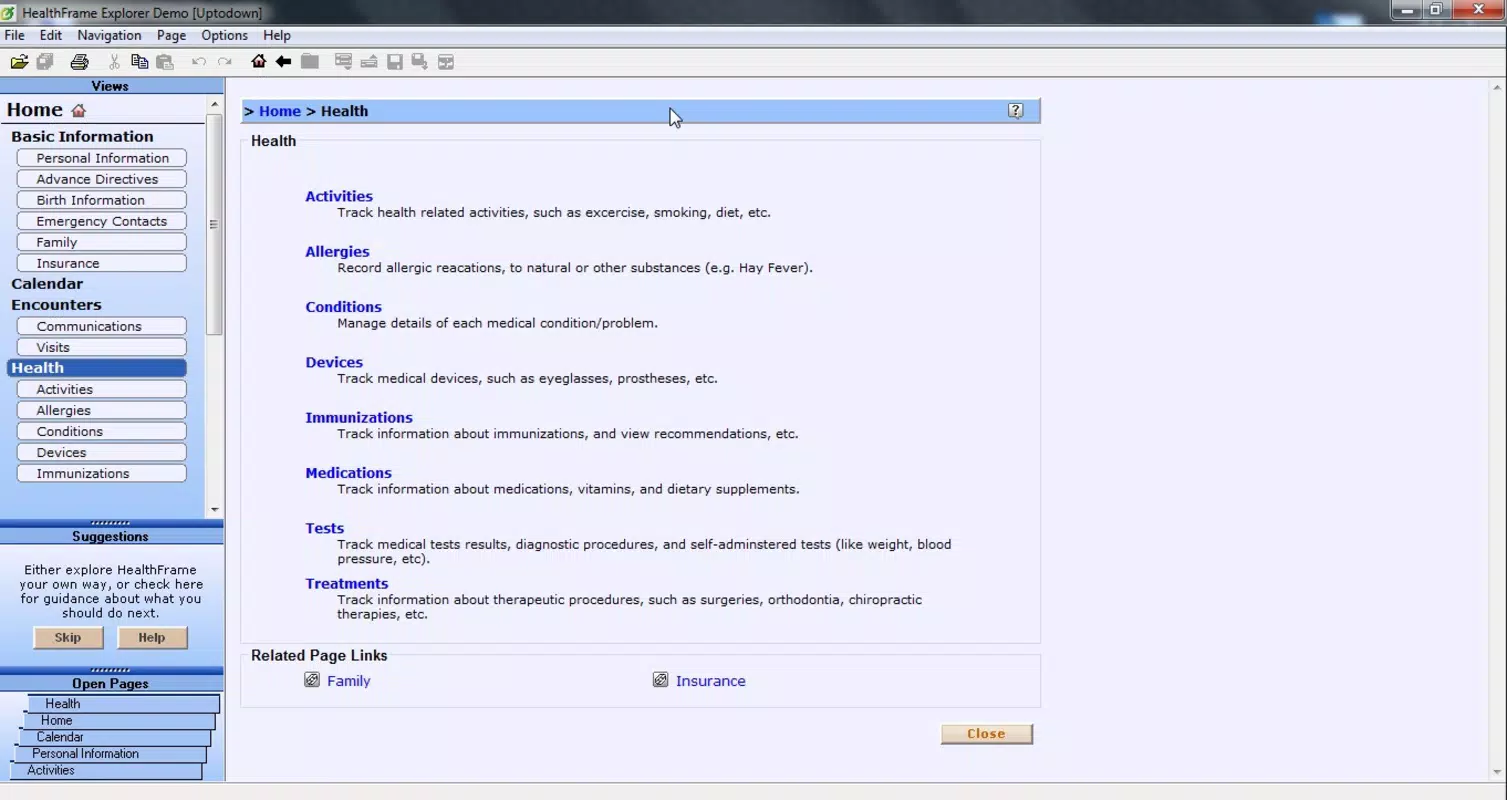
- Comprehensive Medical Data Input: Users can enter detailed personal health information, including chronic conditions, past surgeries, immunizations, and daily medication schedules, ensuring a full picture of health status.
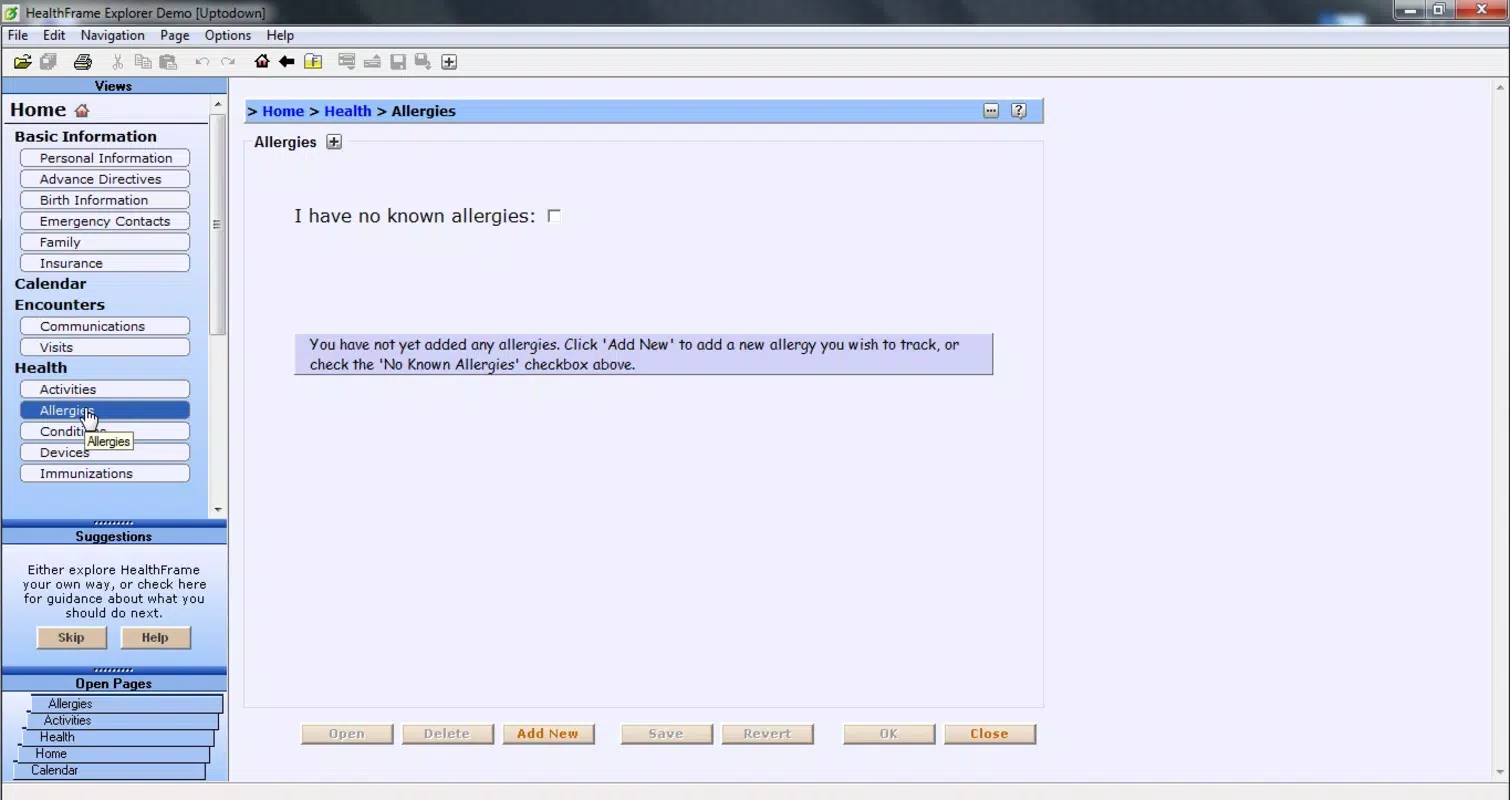
- Emergency Readiness: The app enables quick access to critical medical details during emergencies, such as allergies, blood type, and emergency contacts, which can be vital in urgent care scenarios.
- USB Portability: HealthFrame allows users to export medical records to a USB drive, ensuring data is available even without internet access or smartphone availability.
- Visual Health Tracking Tools: Built-in graphs for cholesterol, blood pressure, and weight allow users to monitor trends over time, supporting preventive care and informed decision-making.
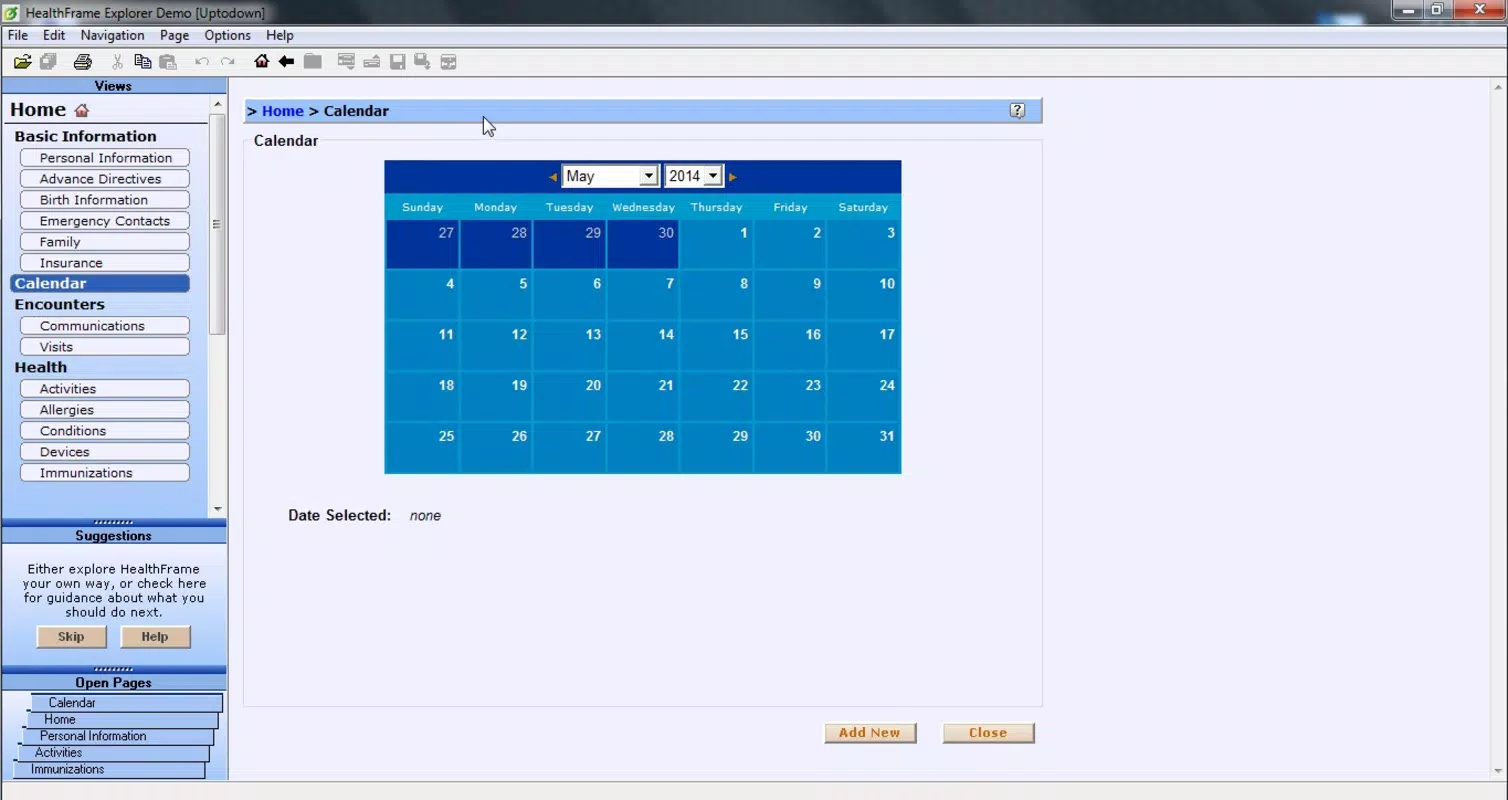
- Calendar Integration: A dedicated calendar function helps users schedule and track appointments, vaccinations, and test dates, promoting proactive health management.
- Professional-Grade Compatibility: The app supports CCR format and its proprietary format, enabling seamless integration with existing medical systems used by healthcare providers.
These features are especially beneficial for families managing multiple health profiles, patients with chronic conditions, and medical professionals seeking efficient record-keeping tools. For example, a parent can maintain a shared health file for their children, while a doctor can use the app to access patient records during home visits or consultations.
Interface, UX & Performance
HealthFrame features a clean, intuitive interface designed for accessibility across age groups and technical skill levels. The navigation is linear and consistent, with clearly labeled sections for data entry, record viewing, and report generation. Visual cues and logical grouping help users locate information quickly, reducing cognitive load during high-stress situations.
The app’s layout supports both portrait and landscape modes, enhancing usability on various device sizes. While the developer did not list formal performance metrics, the app’s ability to function offline and export data to USB suggests optimized resource management. Responsiveness appears to be stable, with minimal lag during data input and navigation.
Although the developer did not specify minimum OS requirements or compatibility details, the app is available on both Android and iOS platforms. Users can expect consistent performance across mid-range and high-end smartphones, though exact behavior on older devices remains unconfirmed. Stability is maintained through regular updates, and the app does not report known crashes or data corruption issues.
Platform Compatibility & Technical Requirements
HealthFrame is available on both Android and iOS platforms, offering broad accessibility to smartphone users. The current version is 2.1.0, with a file size of 150.2 MB. This size indicates a feature-rich application with multimedia and data storage components, including support for visual graphs and export functions.
The developer did not specify minimum OS requirements or compatibility details for older devices. Users are advised to ensure their device meets standard system requirements for modern mobile applications. The app is free to download and install, with no in-app purchases or subscription fees reported.
Pros and Cons
Pros
- Offers dual functionality through Explorer and Visor applications for flexible use.
- Supports detailed medical record creation with emergency data prioritization.
- Enables offline access via USB export, enhancing reliability in remote or crisis situations.
- Includes visual tracking tools such as graphs and calendars for long-term health monitoring.
- Designed for professional integration, supporting CCR and proprietary formats.
- Free to download and use, with no hidden costs or ads reported.
Cons
- Specific system requirements were not listed by the developer.
- Compatibility with older devices is not confirmed.
- No real-time sync or cloud backup functionality was mentioned.
- User interface may require adaptation for users unfamiliar with digital health tools.
- Developer did not provide information on update frequency or long-term support.
FAQ
Is HealthFrame safe to use for sensitive medical data?
HealthFrame stores personal health information locally on the user’s device and USB drive. While the app does not mention encryption, users are advised to secure their devices and physical storage media to protect sensitive data.
Can I use HealthFrame on both Android and iOS?
Yes, HealthFrame is available on both Android and iOS platforms, allowing users to access their medical records across different devices.
Does HealthFrame support cloud backup or synchronization?
The developer did not disclose any cloud-based backup or sync features. Data is managed locally and can be exported via USB.
How often is HealthFrame updated?
Specific update frequency was not provided. Users should check the app store for the latest version and improvements.
Is HealthFrame suitable for healthcare professionals?
Yes, HealthFrame supports CCR format and its proprietary format, making it useful for medical professionals who need to manage or access patient records digitally.
Final Thoughts
HealthFrame stands out as a reliable, no-cost solution for organizing and managing medical records. Its dual-application design, emphasis on portability via USB, and support for visual health tracking make it a valuable tool for individuals and families seeking better control over their health data. The app’s compatibility with professional formats also enhances its utility in clinical settings.
While it lacks modern features like cloud sync and real-time updates, its core functionality remains robust and focused. For users prioritizing data privacy, offline access, and emergency preparedness, HealthFrame delivers strong value without cost.
Download HealthFrame now


